Spider Dash Arcade Challenge
Reviews
Spider Dash Arcade Challenge sticks to classic arcade fundamentals: tap critters, clear levels, beat the timer. Its difficulty scales through faster movement and more frequent spawns, while missed taps punish carelessness by multiplying targets. The lack of downloads and simple controls make it welcoming for all ages. The main limitation is depth—players wanting complex mechanics or multiplayer may find it thin.
About This Game
Core Tapping Mechanic
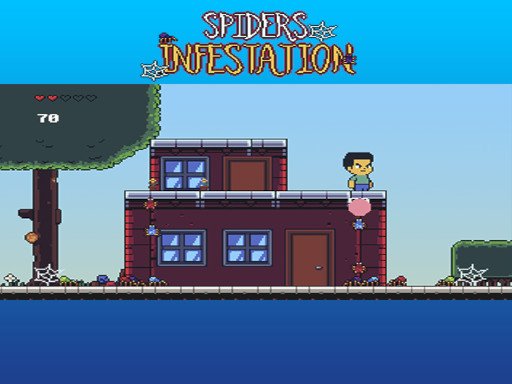
Spider Dash Arcade Challenge builds its entire loop around one action: tapping or clicking critters as they crawl across the screen. Each successful hit adds points to your score. A miss is not neutral—it can cause the critter to multiply, giving you more targets to clear and less room for error. The game runs directly in a web browser, so there is no download or installation step. [IMG_1]
Level Progression and Difficulty
The game is divided into multiple levels. Clearing all critters before the timer reaches zero moves you forward. As levels advance, critters appear more frequently and move faster, so the same tapping motion demands quicker recognition and steadier aim. The timer adds constant pressure, but the difficulty curve is designed to stay balanced rather than spike suddenly. [IMG_2]
Controls and Accessibility
Mouse and touchscreen are the only inputs. There are no complex instructions or tutorials—the game expects you to start tapping immediately. That one-click control scheme makes it playable for young children and older adults alike. The bright, colorful visuals and nostalgic sound effects reinforce the retro arcade feel without adding mechanical complexity. [IMG_3]
Scoring and Replay
A running score tracks your performance, encouraging you to beat your own records or compare results with friends. Because sessions can be short, the game fits a quick break, but the escalating speed also supports longer play for anyone chasing a higher score. Accuracy matters more than raw tapping speed: a careful tap prevents multiplication, while a wild tap creates extra work.
Editorial Notes
Compatibility
System Requirements




Comments
0 comments