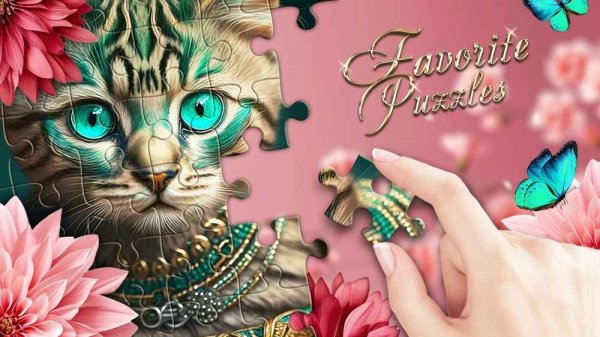
Favorite Puzzles Online Jigsaw Puzzle
Reviews
Favorite Puzzles offers a polished jigsaw experience with plenty of variety. The ability to create custom puzzles from personal photos adds a personal touch that many similar games lack. Daily puzzles and leaderboards provide good replay value, while the achievement system gives long-term goals. Controls are intuitive on both desktop and mobile.
About This Game
Game Introduction
Favorite Puzzles Online Jigsaw Puzzle is a free online puzzle game designed for players of all ages. The core objective is to assemble jigsaw puzzles by dragging and fitting pieces together to complete beautiful images. What makes this game unique is its blend of relaxation and creativity, allowing you to solve puzzles from a variety of themes or even create your own from personal photos. It offers a gentle challenge suitable for both casual and dedicated puzzle enthusiasts, with daily rewards and global competition adding extra motivation.
How to Play
To play, you select a puzzle from the available packs or choose to create your own using a personal image. You can then customize the difficulty by adjusting the number of pieces and piece shapes, and optionally enable rotation for a tougher challenge. On a computer, you drag pieces with the mouse; on a touch device, you use your fingers. You can zoom in or out to see details, and if you get stuck, hints are available. Completing puzzles earns you in-game currency to unlock more content.
Game Features
This game includes a wide selection of puzzle packs with diverse themes such as nature and cute animals. You can upload your own photos to create custom puzzles. Daily puzzles and rewards keep the experience fresh. Global leaderboards allow you to compare your progress with players worldwide. The game also offers achievements to unlock and adjustable difficulty settings like piece count, shape, and rotation to suit your preference.
Tips for Success
Start with smaller piece counts to get comfortable with the controls and gradually increase difficulty. Use the sample image as a reference to identify where pieces belong. Sort pieces by color or edge type to make assembly easier. Take advantage of daily puzzles and rewards to build up your in-game currency. If you feel stuck, use hints or the grid feature to help place pieces. Regular practice will improve your speed and pattern recognition.
Compatibility
System Requirements