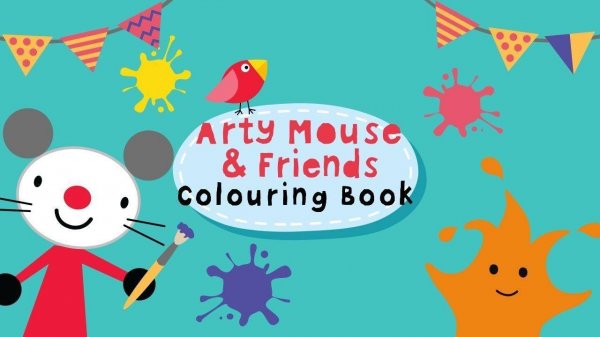
Creative Palette Playground
Reviews
Creative Palette Playground stands out for its child-friendly design and focus on safety. The interface is so simple that even toddlers can start coloring without help. The adjustable brush sizes and broad color palette encourage experimentation and precision. The ability to save and print artwork adds value for parents who want to celebrate their child's progress. It is a reliable, no-pressure tool for early artistic development.
About This Game
Simple and Safe Interface
Creative Palette Playground is designed with young users in mind. The interface uses large, clearly labeled buttons and bright, friendly icons that require no reading ability. Children can navigate the menu independently, selecting templates and colors without frustration. There are no pop-ups, advertisements, or external links, ensuring a focused and secure environment for creative play. This simplicity allows kids to concentrate on the activity rather than figuring out how to use the software.
Color Palette and Brush Options
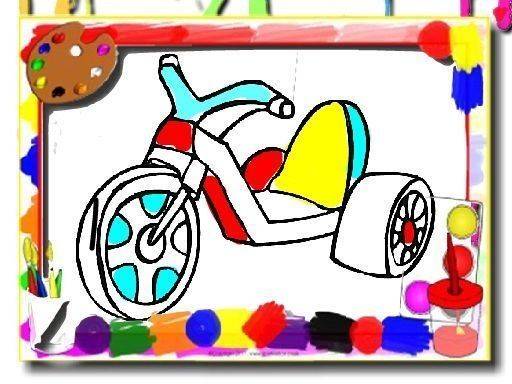
The game provides a wide selection of colors, from basic primaries to softer pastels and deeper shades. This variety encourages children to experiment with different combinations and see how colors interact. Alongside the palette, adjustable brush sizes give young artists control over their work. A small brush is ideal for filling in narrow spaces and details, while a larger brush covers bigger sections quickly. This feature helps children develop precision and hand-eye coordination as they switch between sizes.
Template Variety and Creative Freedom
Players can choose from a rotating collection of templates featuring different characters and scenes. Each template presents a new subject, keeping the experience fresh and engaging. The outlines are clear and simple, making it easy for children to stay within the lines if they choose, but there is no penalty for coloring outside them. This freedom supports self-expression and reduces performance pressure. The focus is on the process of creating, not on achieving a perfect result.
Saving and Sharing Artwork
Once a picture is complete, the game allows users to save their work directly to the device. This feature lets children build a personal gallery of their creations, which they can look back on to see their progress. An optional print function makes it easy to produce physical copies for display or sharing with family. These options help reinforce a sense of accomplishment and pride in the child's work, making the activity feel meaningful beyond the screen.
Compatibility
System Requirements

Comments
0 comments